
Every part of the meeting, handled.
From the moment a client picks a time to the moment the follow-up lands in their inbox, Meet does the work. Here's everything inside.
A booking page that fills your calendar, not your inbox.
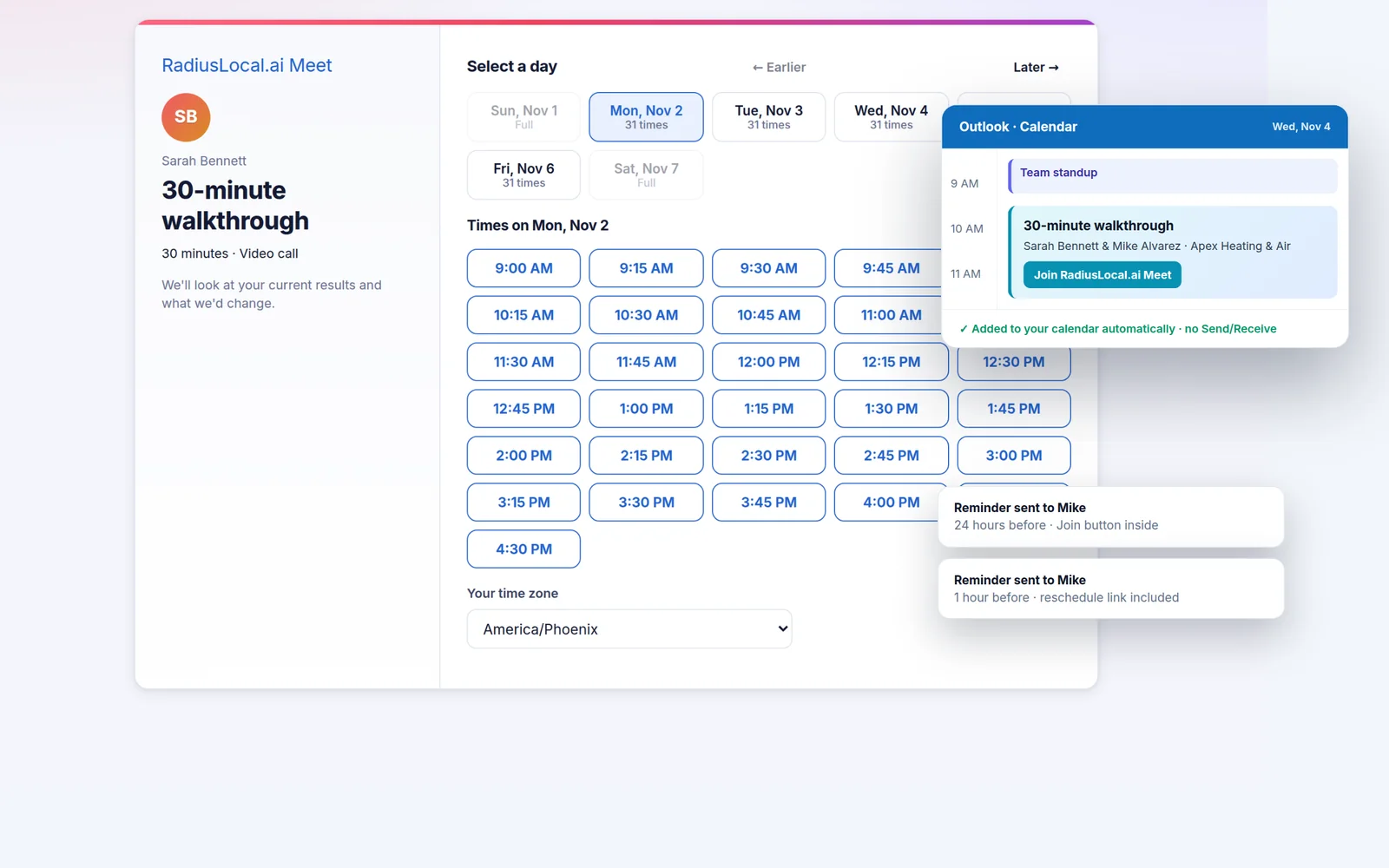
Share one link. Clients see your real open times in their own time zone and book in seconds. No back-and-forth.
- Personal page plus one link per meeting type: video, phone or in person
- Buffers before and after, minimum notice, daily limits, how far ahead to book
- Your own question on the form, plus phone and company if you want them
- Team pages with round-robin that sends each booking to the least-busy free rep
- Designed confirmations, reminders 24 hours and 1 hour before, self-serve reschedule and cancel
- Every booking creates or links the contact in your records
Know them before you say hello.
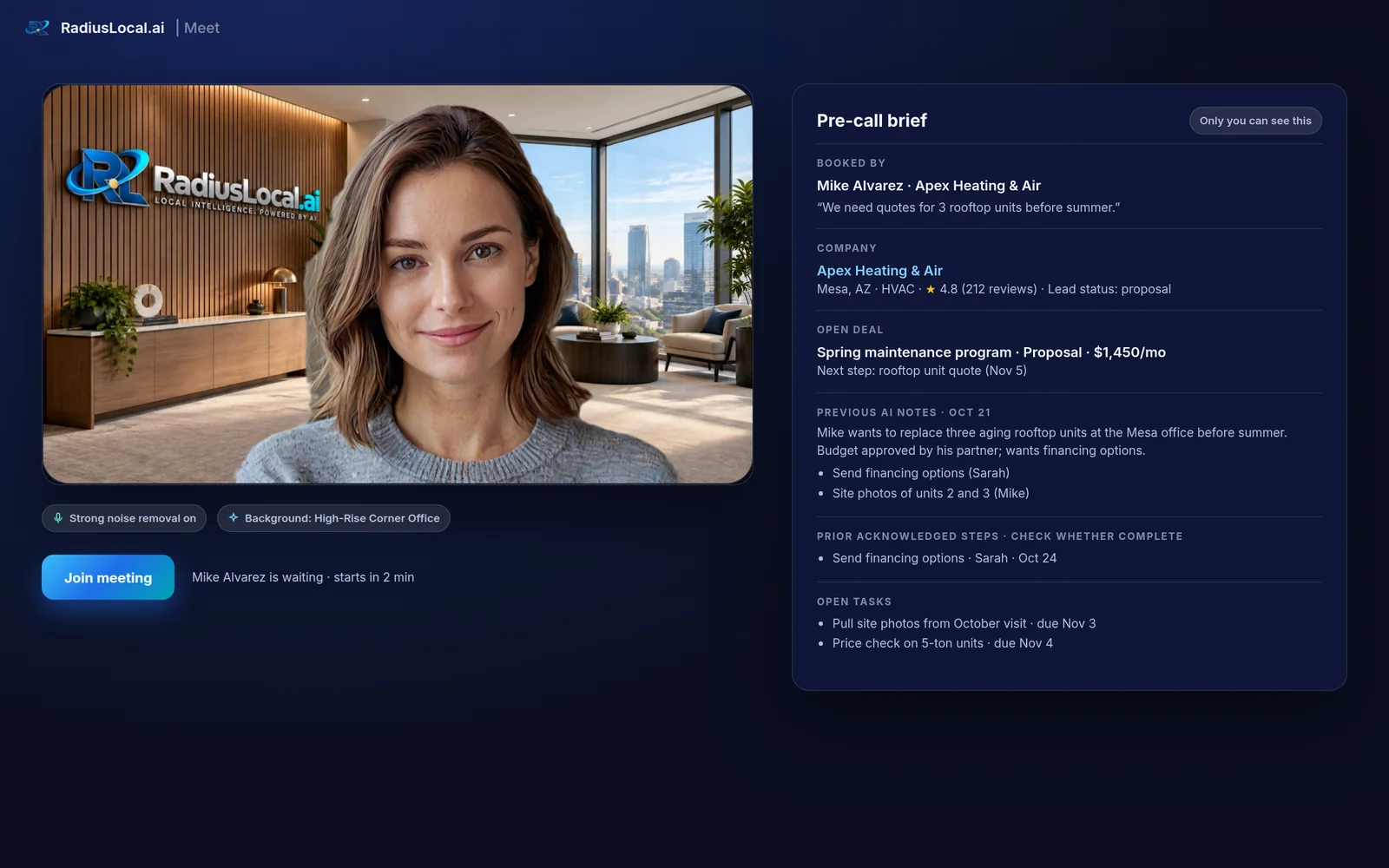
On the get-ready screen, Meet shows who booked and why, their company, rating and reviews, the open deal and its value, last meeting's notes, the steps you both agreed, and every open task.
- Built from your records, never invented
- Visible only to you and your team, never the client
- Respects who can see what: reps see their own deals, managers see the team
Feels like a meeting in your best office.
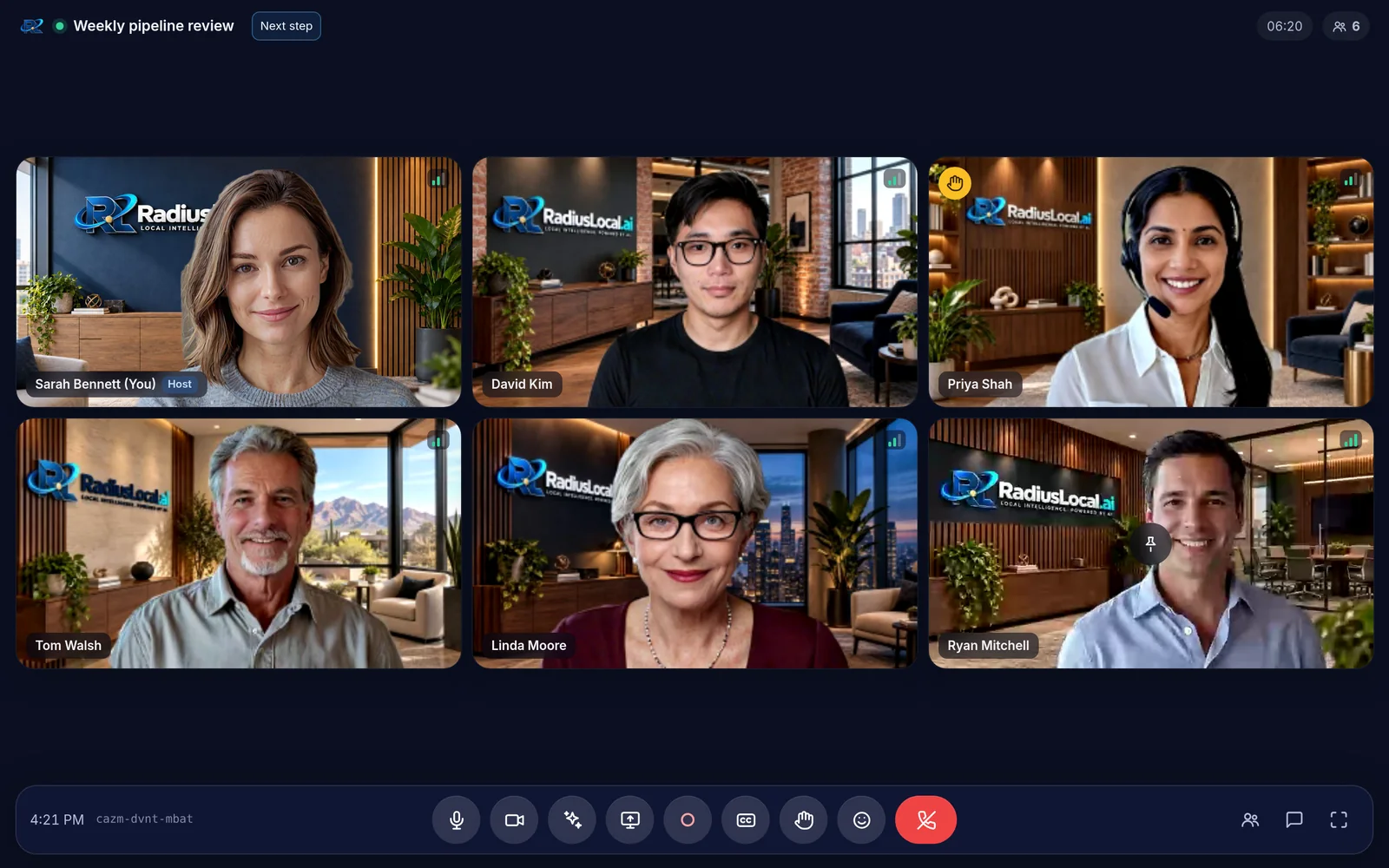
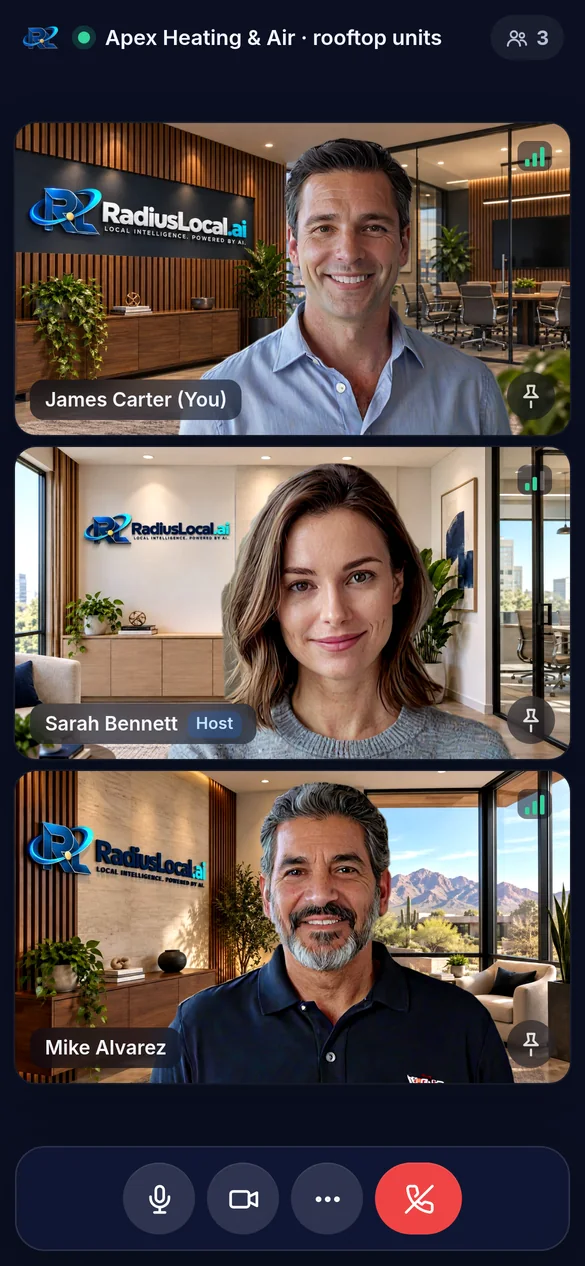
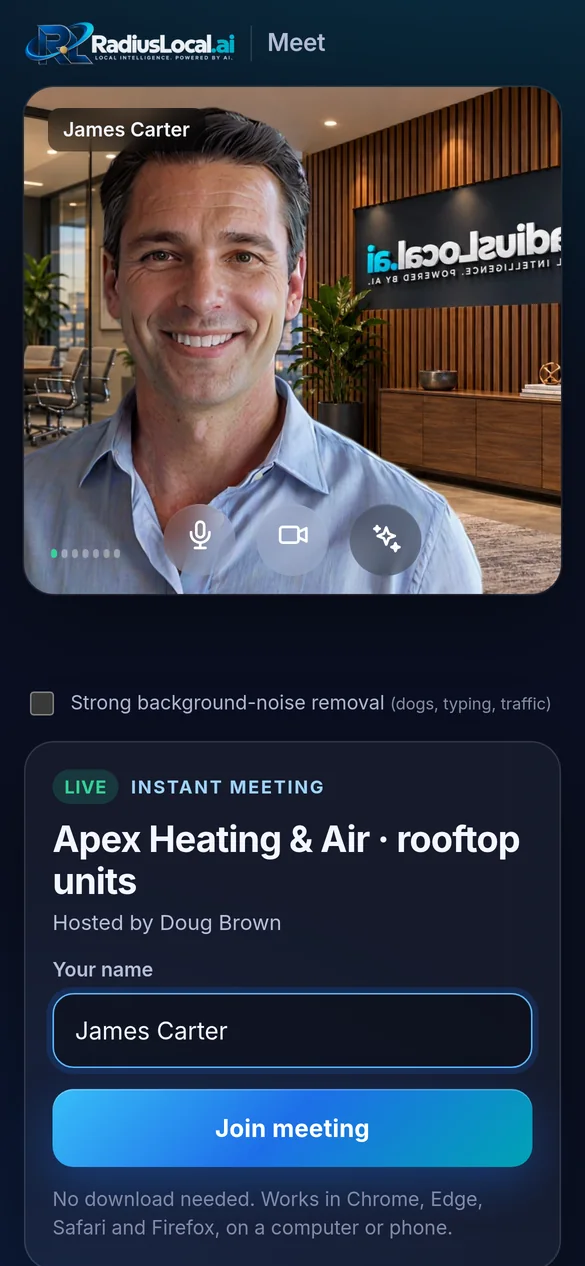
No download for anyone. Everything people expect from Zoom, Google Meet or Teams, plus a few things they don't have.
Backgrounds that hold tight
Blur, 67 branded scenes, or upload your own. The cut-out keeps hair and shoulders, and slower computers switch to a lighter model on their own.
Strong noise removal
Dogs, traffic, typing and compressors removed before anyone hears them. On by default, one switch to turn off.
Screen share in 1080p
Share a window or the whole screen. Your camera floats in the corner so people still see you.
Waiting room and lock
Admit people one by one or all at once, even from the get-ready screen. Lock the room when everyone's in.
Host controls
Mute one or everyone, remove someone, end for all. A removed guest can't sneak back in, because every connection is checked first.
Chat, reactions, raise hand
Everything you need for a lively call, in a layout that adapts from six faces to a shared screen.
Live captions
Captions for everyone with speaker names, on every browser, plus a transcript you can download afterward.
Start a meeting now
One click for an instant room and a guest link to text or email. The link stays alive for a day after you last use it.
Connection quality
Video quality adapts to each person's connection automatically, and a signal indicator shows who's struggling.
The handshake, in writing, before anyone hangs up.
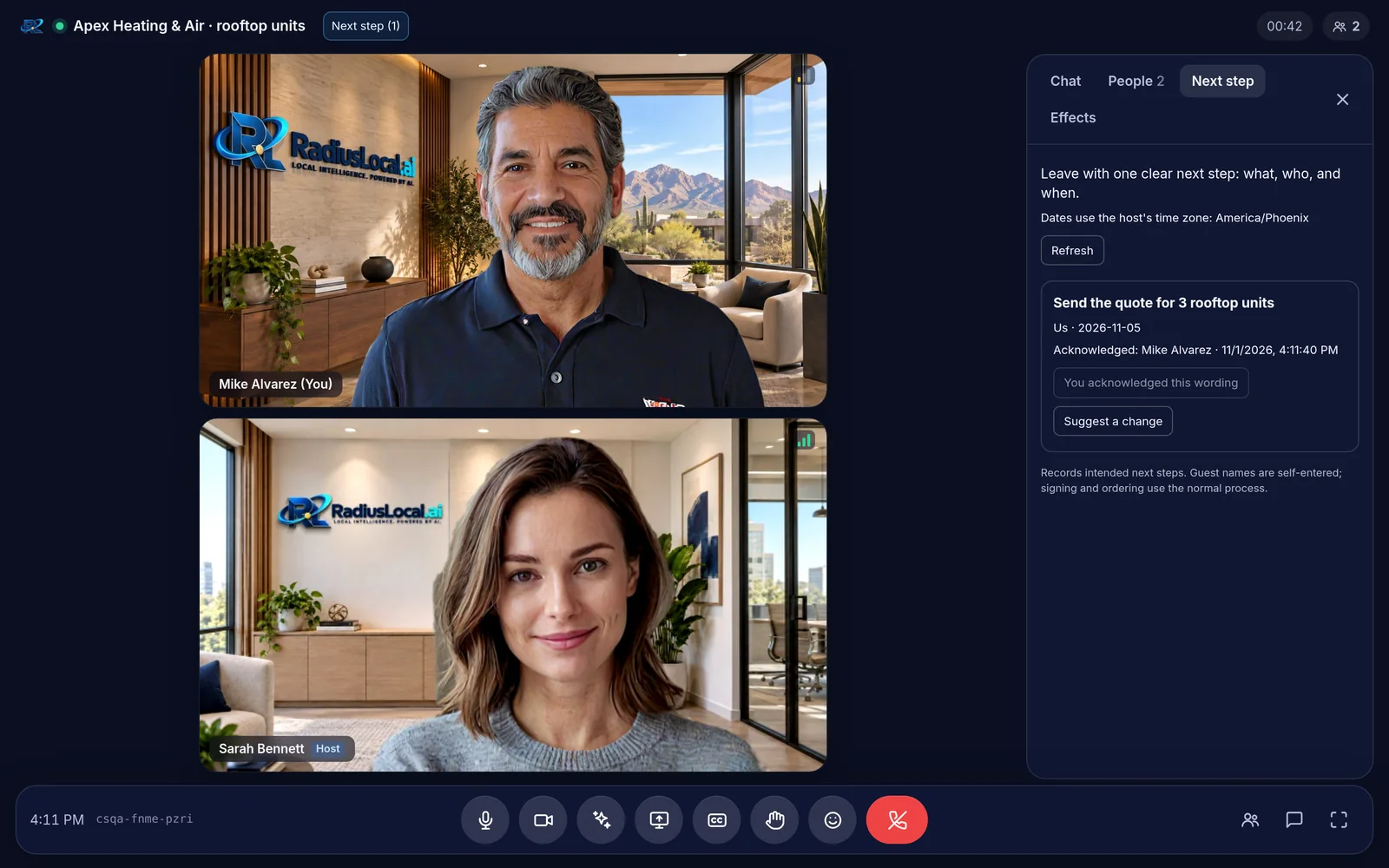
Click Next step, type what happens, who does it and when. Your client sees it live and taps Acknowledge. If they want different wording, they can suggest a change. When the meeting ends, every agreed step becomes a task with the client's acknowledgment attached.
- Who: us, them, or both. When: a date or "after the quote"
- Full history of every edit and acknowledgment
- Shown in the next meeting's brief until it's done
The follow-up is written before your coffee is.
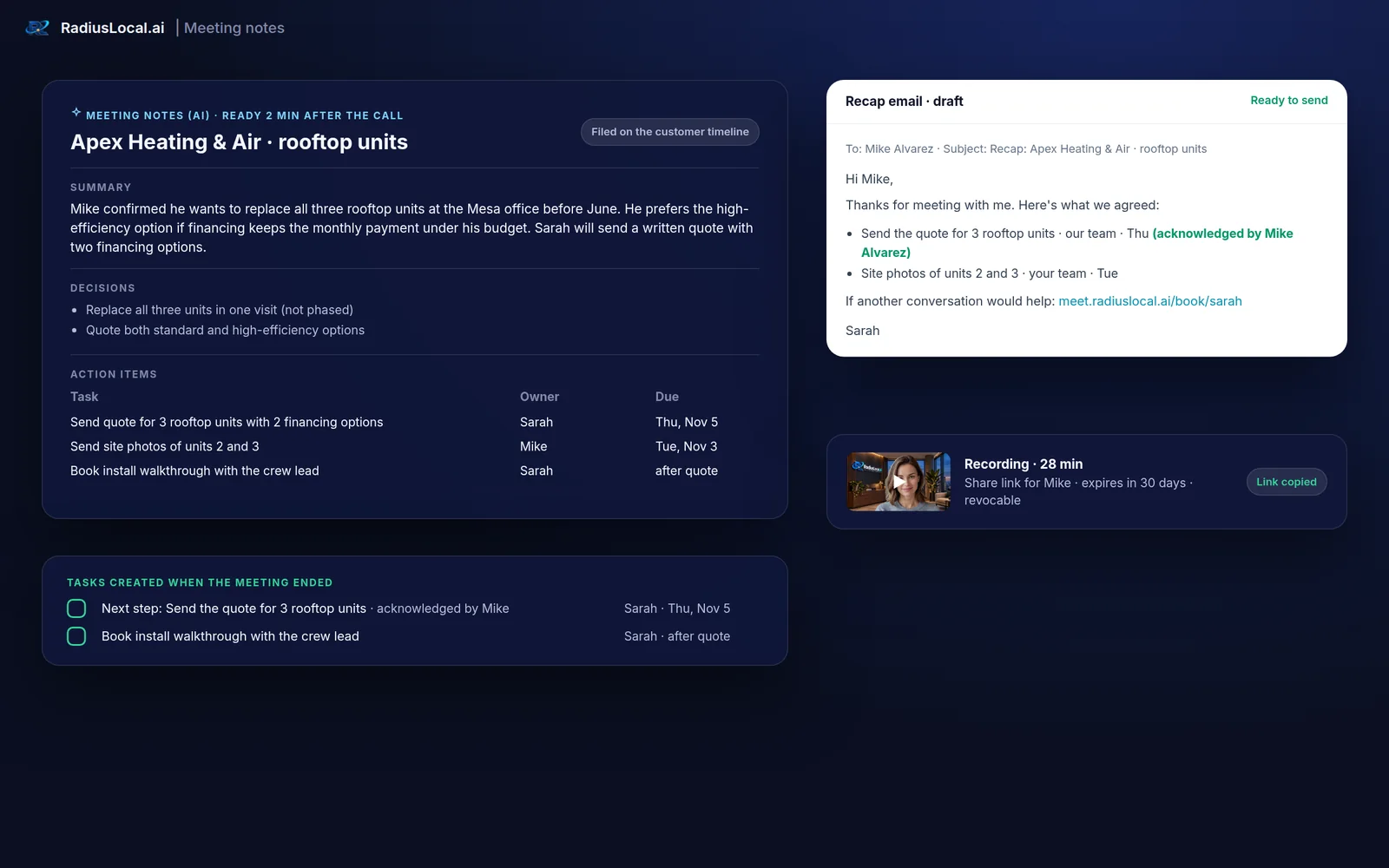
When the meeting ends, Meet writes the notes: a summary, key points, decisions, and action items with owners and due dates. They're filed on the customer's record and a recap email is drafted with the agreed steps and your booking link.
- Instructed to write only what was said: no invented prices, dates or promises
- No bot joins your call. Notes are part of the meeting itself
- Everyone sees an "AI notes" chip while notes are on, and the host can switch them off
- You review and send the recap. Nothing goes to a client automatically
One-click recording
Everyone sees when a meeting is being recorded. The recording is ready as an MP4 a minute or two after you stop.
Share with the client
Send a link that expires in 7 days, 30 days, or never. Revoke it any time. No account needed to watch.
Delete means delete
Deleting a recording removes the file and every share link, permanently. You also choose how long recordings are kept.
From the truck, the front desk, the hotel lobby.
Meet runs in Chrome, Edge, Safari and Firefox on computers, iPhones and Android phones. Nothing to install, ever. On locked-down networks like hospital guest Wi-Fi or corporate offices, Meet automatically finds a secure way through.
- A phone layout with chat, Q&A and controls in one tidy sheet
- Plain-English help if a browser blocks the camera
- Installs to your phone's home screen
Plays well with the tools you keep.
Outlook and Microsoft 365
Invites file themselves. Busy times block bookings.
Google Calendar
Two-way busy times, so you're never double-booked.
HubSpot
Meetings, notes and next steps on the contact record.
GoHighLevel
For agencies: bookings and notes into each client's account.
Ready when you are.
Start free, or book a 30-minute walkthrough. You'll be in a Meet room, of course.